 By
By 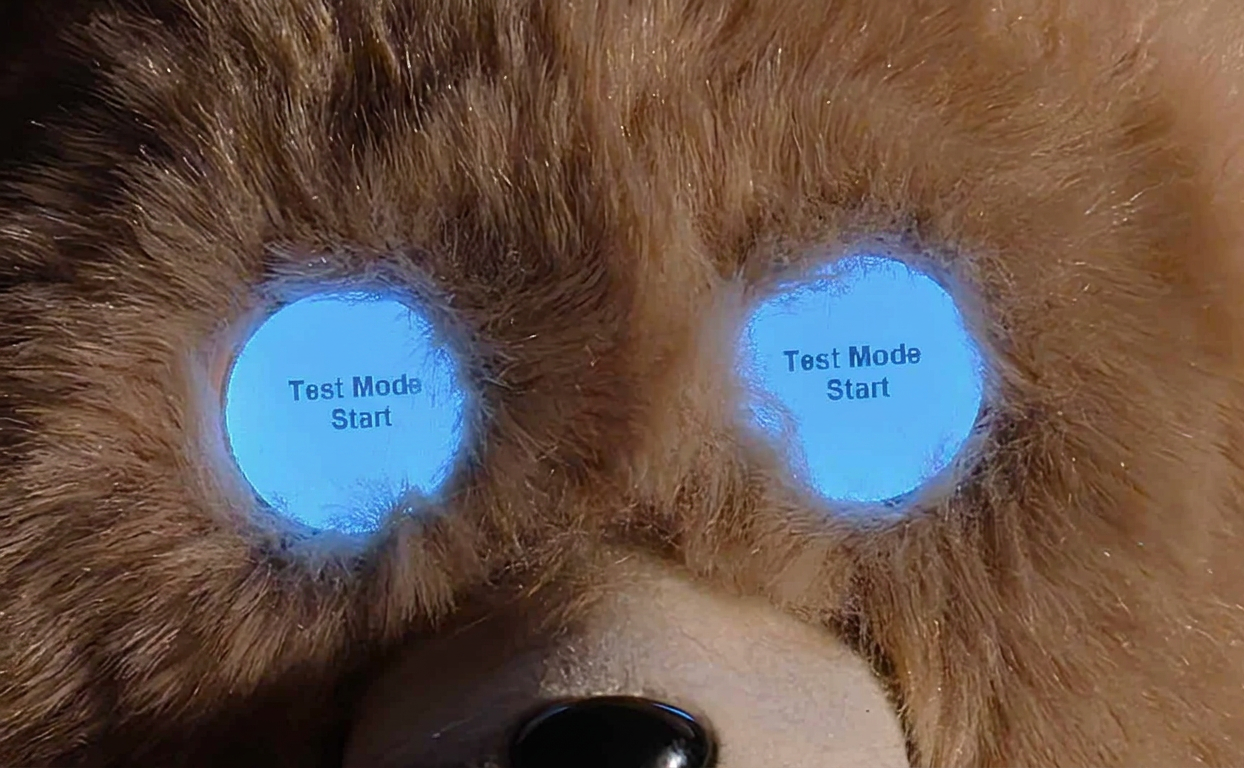
Did you know there is a test mode on the 2017 Wicked Cool Toys Teddy Ruxpin? Here are detailed instructions on entering Test Mode, and what you can do inside. It’s a little tricky to get them all, but you just have to hold all three buttons while turning on the toy.
- Locate the exact position of all three buttons, chest and both paws.
- Hold the Left Paw Button with your left hand.
- Hold the Right Paw Button with your right hand.
- With Teddy on your lap, holding his hands, lift him toward you and flip the power switch on the back.
- Make sure to immediately squeeze and hold both paw buttons, and then press and hold the chest button before it starts.
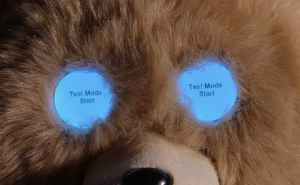
- The eyes should show all white, with a mesage “Test Mode Start”.
- Cycle through modes using Teddy’s Right Paw, to Start Test, press Teddy’s Left Paw.
The different Test Modes are self explanatory:
- Mouth Cal Test
- LCD Test
- Demo Song
- Button Test
- Motor Test
- Book Test
- USB Test
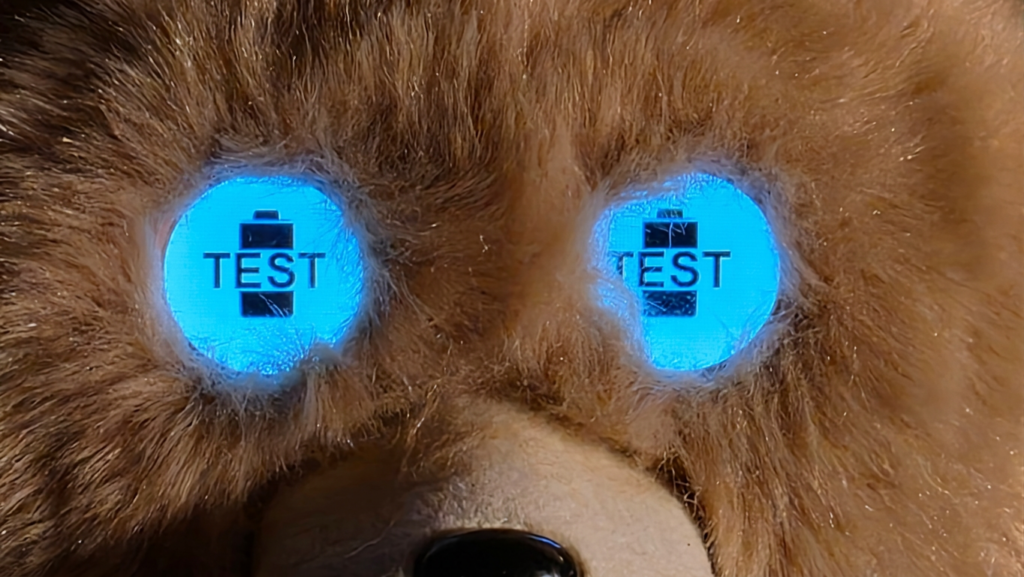
- Battery Test
- Bluetooth Test
- Sleep mode
Special thanks to BIBGURR and Deleted who discovered this Test Mode years ago and provided instructions on our subreddit.




 By
By